
Download Online Wallpaper Changer – wallpaper changer, automatic wallpaper, daily wallpaper, nature wallpaper, desktop background, image update, HD wallpaper, fresh desktop
Overview
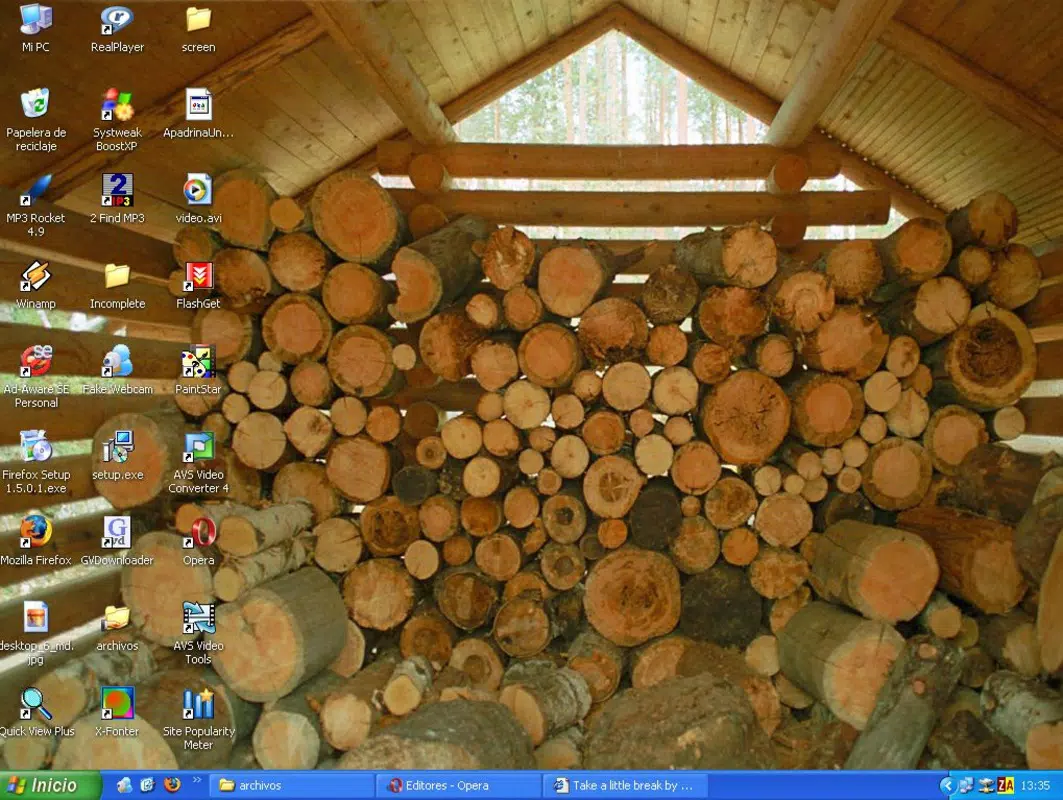
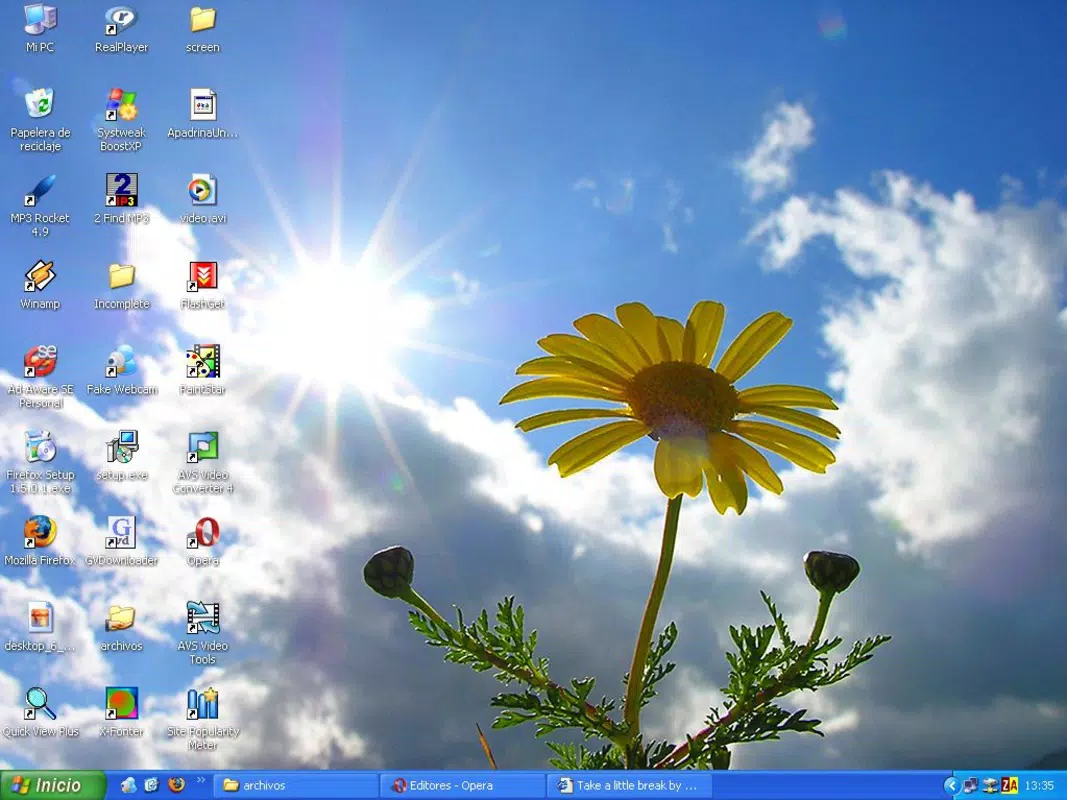
Online Wallpaper Changer is a utility tool designed for users seeking dynamic and ever-changing desktop experiences. The app addresses the common frustration of visual monotony by offering an automated solution to refresh desktop backgrounds at user-defined intervals. Ideal for individuals who value aesthetic variety and enjoy immersive digital environments, this tool transforms a static desktop into a living gallery of visual content. The primary purpose of the app is to eliminate the need for manual wallpaper changes by automatically updating the desktop background based on user preferences.
Target users include home office workers, digital creatives, and casual computer users who appreciate nature photography and scenic imagery. The app leverages a daily-updated wallpaper database, ensuring access to fresh, high-definition visuals. Although the developer did not provide additional technical details about the app’s architecture or development history, the tool has been available since 2006, indicating long-term stability and user trust. Real-world use cases include enhancing focus through visual variety, personalizing workspaces, and maintaining engagement with digital environments.
Within the broader productivity app ecosystem, Online Wallpaper Changer serves as a subtle yet impactful utility that supports mental well-being and user satisfaction. By introducing controlled visual change, it contributes to a more stimulating and enjoyable computing experience without disrupting workflow.
Key Features & Functionality
- Automatic Wallpaper Updates: The app automatically changes the desktop background at intervals selected by the user—ranging from 30 seconds to one full day. This eliminates the need for manual intervention and ensures a continuously evolving visual environment.
- Daily Updated Database: A curated collection of high-resolution wallpapers is refreshed every day, featuring diverse themes such as nature scenes, cityscapes, and abstract visuals. This guarantees users always have access to new and visually appealing content.
- Customizable Refresh Times: Users can choose their preferred update frequency based on personal preference. Whether they desire rapid visual shifts or a more consistent look, the app supports a wide range of intervals to suit different lifestyles.
- Local Storage Access: All downloaded wallpapers are stored directly on the user’s hard drive. This allows for offline access and enables users to view or manage their collection through other image viewers or file management tools.
- User-Friendly Configuration: The setup process is straightforward, with an intuitive interface that allows even non-technical users to configure preferences in just a few clicks. Settings are clearly labeled and logically organized for ease of use.
For example, a user working from home might set the refresh interval to 10 minutes to experience a new landscape every hour, promoting mental refreshment during long sessions. Alternatively, someone who prefers a consistent workspace might opt for a daily change to maintain visual interest without distraction.
Interface, UX & Performance
The user interface of Online Wallpaper Changer is designed with simplicity and functionality in mind. The layout is minimalistic, focusing on essential controls such as refresh interval selection, database update status, and access to the local wallpaper library. Navigation is linear and intuitive, allowing users to adjust settings without confusion.
Visual style emphasizes clarity over decoration, ensuring that users can quickly identify and modify key functions. The app does not rely on heavy animations or complex graphics, which contributes to a lightweight and responsive experience. Although the developer did not list formal performance metrics, the app’s file size of 2.4 MB suggests efficient resource usage.
Performance appears consistent across device categories, with the app running smoothly on systems meeting basic Windows requirements. Responsiveness is maintained during wallpaper transitions, and stability is supported by the local storage model, which reduces dependency on external servers during operation. The app remains active in the background without significant impact on system performance.
Platform Compatibility & Technical Requirements
Online Wallpaper Changer is available exclusively for the Windows platform. The app requires a Windows operating system, though specific version details were not listed by the developer. The file size is 2.4 MB, indicating a lightweight installation suitable for systems with limited storage capacity.
Although the developer did not specify minimum OS requirements or hardware specifications, the app’s long-standing presence since 2006 suggests broad compatibility with legacy and modern Windows systems. Users should ensure their system meets standard Windows functionality requirements for running background applications.
Pros and Cons
Pros
- Automatically updates desktop background at user-defined intervals
- Access to a daily-updated database of high-quality wallpapers
- Supports flexible refresh settings from 30 seconds to one day
- Wallpapers are stored locally for easy access and offline use
- Simple, intuitive interface suitable for all user levels
- Free to download and use with no in-app purchases
Cons
- Platform limited to Windows; no support for macOS or mobile devices
- Developer did not provide detailed technical specifications
- No cloud sync or cross-device access for wallpaper collections
- Interface may appear outdated compared to modern apps
- Update frequency is limited to daily database refreshes
FAQ
Is Online Wallpaper Changer safe to download?
Yes, the app is free and available from trusted sources. It does not contain malware or intrusive ads, as confirmed by its long-standing presence and user base.
Can I use this app on multiple computers?
Yes, as long as the system runs Windows and meets basic requirements. The app can be installed on multiple devices using the same free version.
Does the app require an internet connection?
Yes, an internet connection is needed to access the daily-updated wallpaper database and download new images. However, once downloaded, wallpapers can be viewed offline.
How often are new wallpapers added?
The wallpaper database is updated every day, ensuring a fresh selection of high-definition images is available for download.
Can I customize the type of wallpapers I receive?
While the app does not list specific categories or filters, users can explore the available collection and access their preferred themes through the local library.
Final Thoughts
Online Wallpaper Changer stands out as a reliable, lightweight, and effective tool for users who want to keep their desktop visually engaging without effort. Its core strength lies in automation and accessibility—delivering daily fresh content while maintaining system performance. The ability to store wallpapers locally adds value for users who want long-term access and flexibility.
While the interface may not reflect modern design standards, its functionality remains solid and purpose-driven. For Windows users seeking a simple, free, and consistent way to refresh their desktop, this app delivers clear value. It’s particularly beneficial for those who find inspiration in nature photography or enjoy the psychological boost of visual change.
Download Online Wallpaper Changer now


